
Mail you can grep.
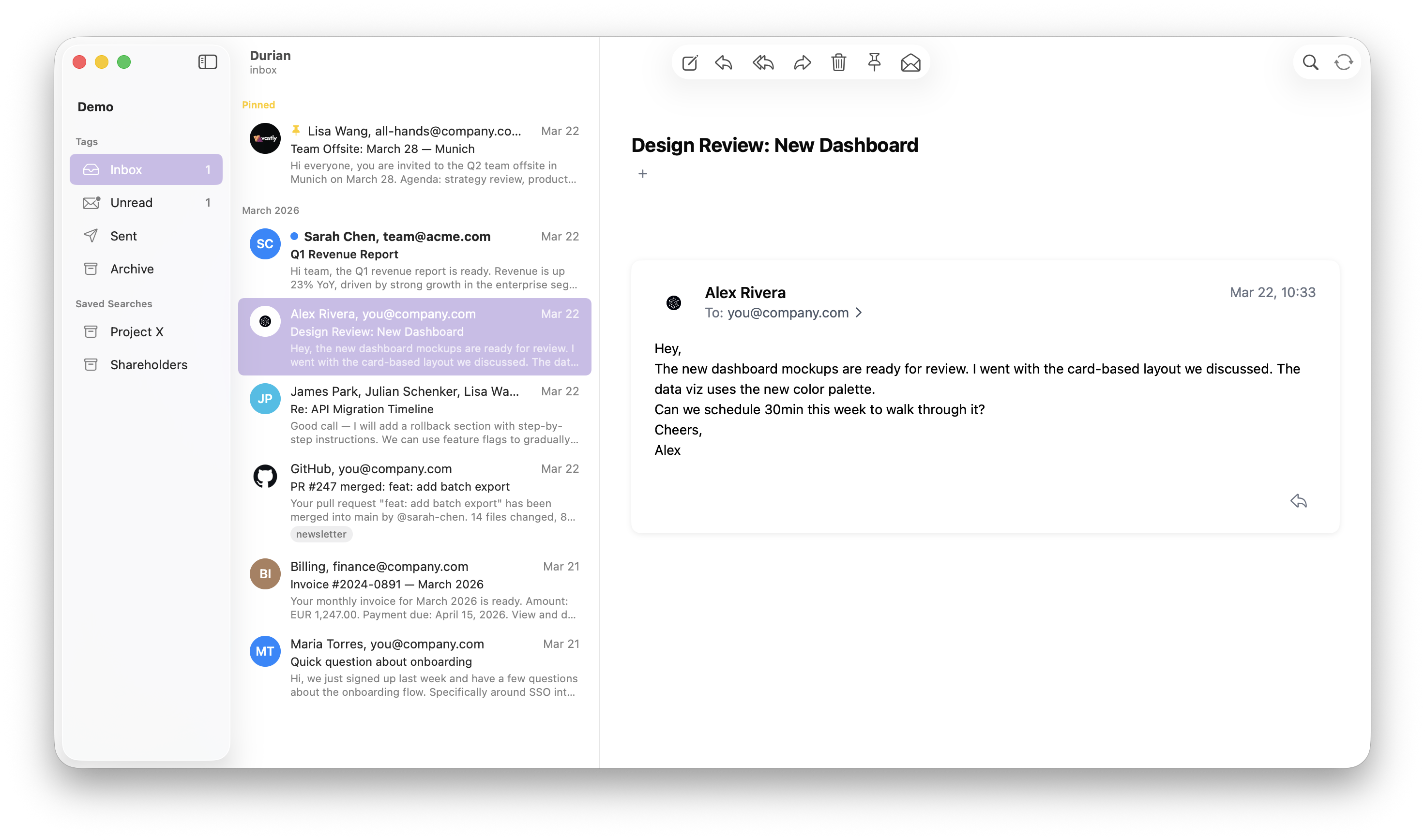
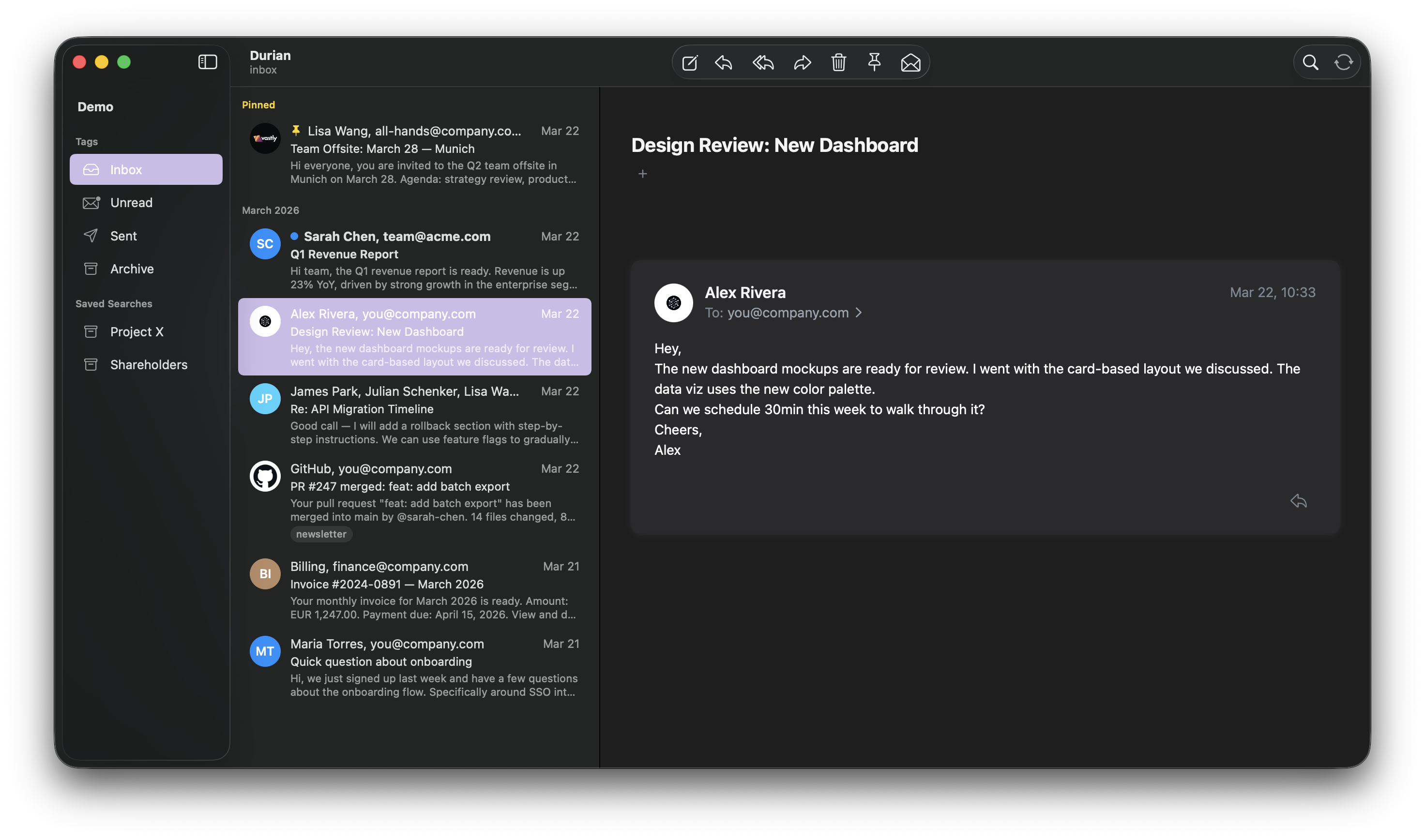
Use it from the terminal, in a native macOS app, or both. Vim keys, tags instead of folders, local SQLite, typed Pkl config.
accounts {
  (C.gmail) {
    name = "Personal"
    alias = "personal"
    email = "you@gmail.com"
  }
  (C.microsoft365) {
    name = "Work"
    alias = "work"
    default = true
    email = "you@company.com"
  }
}
More screenshots
Mail clients keep growing into productivity suites.
Calendars. Tasks. AI replies. “Engagement metrics.” Sender‑side read receipts. Upsells.
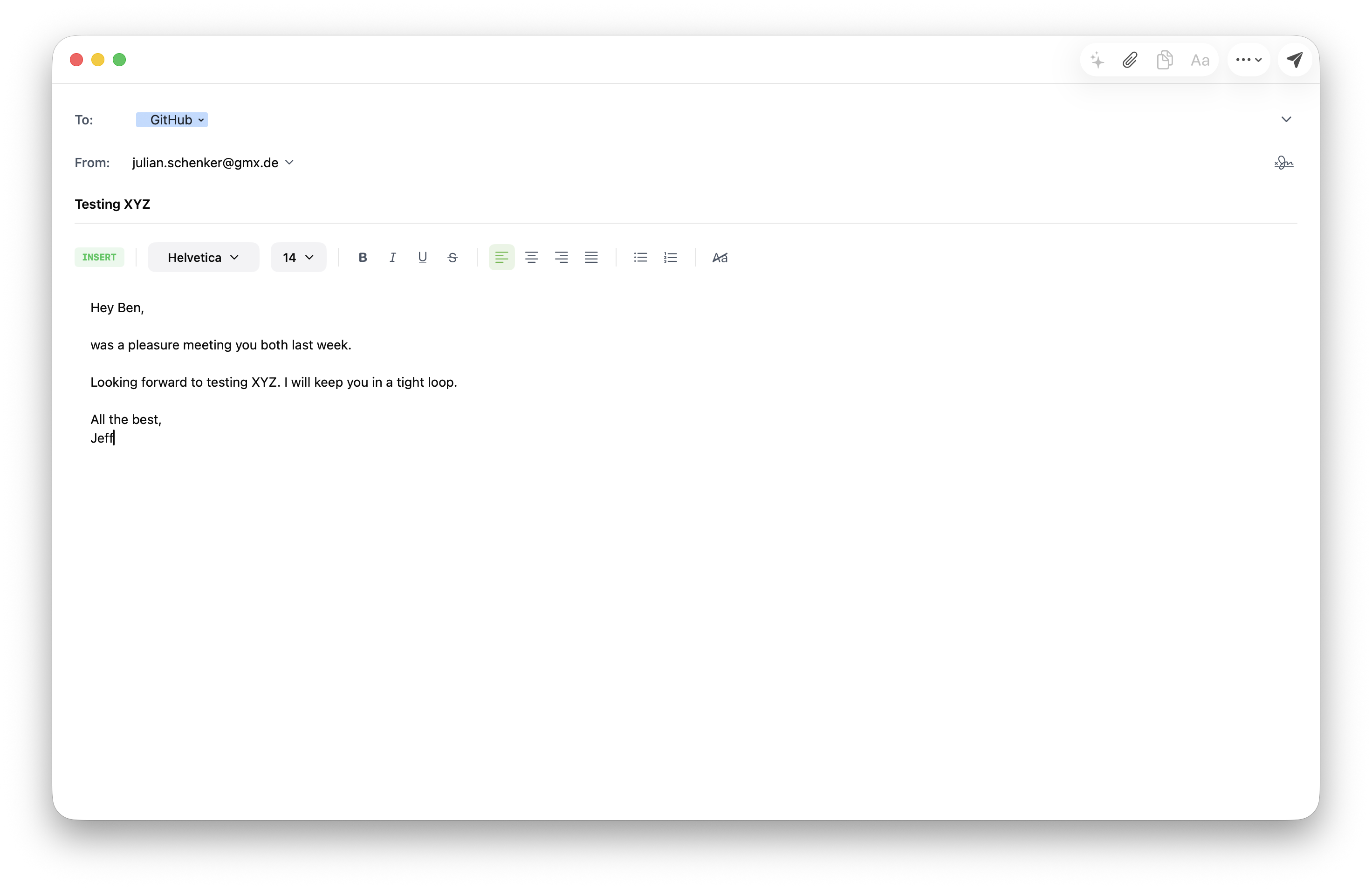
Durian goes the other way: render mail, search mail, reply, file. Tags instead of folders. A SQLite store on disk. A vim‑style keyboard. Configuration in a typed file you check into git, not a settings panel you click through twice a year.
Two parts, one tool
The durian CLI does the work — IMAP sync, SMTP send, SQLite store, full‑text search, HTTP API. The macOS GUI is a thin SwiftUI layer that talks to the CLI over localhost. Use either alone, or both together. They share the same Pkl config.
Local‑first, always offline
Mail is fetched once and stored in SQLite. Search runs against the local FTS5 index — no round‑trip to a server. The IDLE watcher keeps the inbox fresh in the background; everything else works on a plane.
Tags, not folders
Folders force a one‑to‑one filing system. Tags don’t. A message can be tag:invoice tag:vendor/acme tag:2026 at the same time, and your sidebar can be any saved query — group:vip AND tag:unread, subject:contract has:attachment:pdf, whatever fits how you actually work.
Configured like infrastructure
Accounts, sync intervals, filter rules, key bindings, sidebar profiles — everything is in typed Pkl files. Validated at startup, versionable, reproducible across machines. There is no settings UI on purpose.
Search like notmuch.
group:vip AND tag:unread
from:boss@company.com AND has:attachment:pdf
date:6m.. AND subject:invoice
header:list-id: AND NOT tag:newsletter
Same syntax in the search popup, in durian search, and as folder definitions in profiles.pkl. Save any query as a sidebar entry — your inbox shape is just a file.
What’s not in here.
- No AI replies, AI summaries, AI anything.
- No remote image loading by default — no tracker pixels phoning home.
- No engagement metrics. No read receipts shipped to senders.
- No calendar, tasks, chat, or “smart” inbox. It’s an email client.
- No telemetry. The app never talks to a Durian server, because there isn’t one.
Install
brew install pkl                # config language runtime (required)
brew tap julion2/tap
brew install durian             # CLI (required — the GUI uses it as backend)
brew install --cask durian      # GUI (macOS only)